PIXELSTRUNK DESIGN SYSTEM

v1.0.0

Pixel Font:On

Welcome

This is the COMPLETE design system for christianstrunk.com (PIXELSTRUNK). Every component from the design_system folder, pixel-perfectly implemented and fully interactive.

24
Colors
9
Font Sizes
16
Components
8px
Base Grid

Responsive Design

Breakpoint: 768px (mobile)

  • Desktop: ≥768px - Multi-column layouts, larger components
  • Mobile: <768px - Single column, stacked layouts, adjusted spacing
  • Approach: Mobile-first with Tailwind responsive utilities (md:, lg:)

Accessibility

  • Semantic HTML: Proper heading hierarchy (h1-h4), section elements, button vs div
  • ARIA Labels: All interactive elements have descriptive aria-label or aria-checked attributes
  • Keyboard Navigation: All buttons, links, and form inputs are keyboard accessible (Tab, Enter, Space)
  • Focus States: Visible focus indicators on all interactive elements
  • Color Contrast: WCAG AA compliant (black text on light backgrounds, white text on dark)
  • Alt Text: All images have descriptive alt attributes for screen readers

Colors

Primary Palette (9 Colors)

Background Colors (Semantic UI)

Functional Grays

Extended Colors (Component-Specific)

Typography

Font Stack

font-family: 'Pixel Operator Mono', 'Courier New', monospace;

Weights: 400 (Regular), 700 (Bold)

Warning: Weight 800 does NOT exist - always use 700!

Letter Spacing: -0.2px (default for ALL text)

Line Heights: 0.9 (headings), 1.25 (body)

Type Scale (Major Third 1.25)

Desktop sizes shown. Mobile breakpoint (768px) uses smaller sizes.

H1 Headline
50px / Bold / Line-height: 0.9 / Mobile: 32px
H2 Headline
40px / Bold / Line-height: 0.9 / Mobile: 28px
H3 Headline
32px / Bold / Line-height: 0.9 / Mobile: 24px
H4 Headline
26px / Bold / Line-height: 0.9 / Mobile: 20px
P1 Body Text (Large)
26px / Regular / Line-height: 1.25
P2 Body Text (Standard)
22px / Regular / Line-height: 1.25
P3 Body Text (Small)
18px / Regular / Line-height: 1.25
Small Text (Captions/Labels)
11px / Regular / Line-height: 1.25

CSS Variables

--font-size-h1: 50px;
--font-size-h2: 40px;
--font-size-h3: 32px;
--font-size-h4: 26px;
--font-size-p1: 26px;
--font-size-p2: 22px;
--font-size-p3: 18px;
--font-size-small: 11px;
--line-height-headings: 0.9;
--line-height-normal: 1.25;
--letter-spacing-default: -0.2px;

Mobile Responsive Scale

LevelDesktopMobile (<768px)
H150px32px
H240px28px
H332px24px
H426px20px
P126px26px
P222px22px
P318px18px

Spacing System

8px Base Grid

All spacing values follow an 8px base grid for authentic pixel-style design.

XS
8px
SM
16px
MD
24px
LG
32px
XL
48px
2XL
64px
3XL
96px
4XL
128px

Section Spacing

Consistent vertical padding applied to ALL page sections. Change once in design-tokens.css, updates everywhere.

--section-padding-y
120px (desktop)
--section-padding-y-mobile
32px (mobile)
--section-element-gap
60px (between boxes)

Usage Rules:

  • ALL sections use same vertical padding tokens
  • Change value in design-tokens.css → all sections update
  • Use --section-element-gap for spacing between multiple boxes within a section

Content Spacing

Spacing for elements inside content boxes.

--box-content-gap
30px (title → content → CTA)
--page-max-width
1400px

Shadows & Layers

Shadow System Types

Three Shadow Types:

1. Pixel-Art Shadows (PixelButton)

Rendered as grey (#666666) pixels in a 14-row grid. NOT CSS box-shadow. Used for main interactive buttons.

2. Floating Shadows (50% opacity)

--shadow-floating: 6px 6px 0 rgba(0,0,0,0.5) • --shadow-floating-lg: 8px 8px 0 rgba(0,0,0,0.5) • Used for tooltips, dropdowns, notifications, modals.

3. No Shadows (Flat)

Inputs, textboxes, form fields, content containers. Keep it flat for clarity.

When to Use Each Type:

  • 🎮 PixelButton: Primary actions (PLAY, START GAME, navigation)
  • 📦 CSS Shadow: Floating UI (modals, tooltips, dropdowns)
  • 🔲 No Shadow: Form inputs, content cards, containers
  • ⚠️ Never: Don't mix shadow types on nested elements

Flat Container (NO shadow)

Z-Index Hierarchy

0
Background
Page background, flat
1
Content
Form fields, cards, flat
2
Interactive
PixelButtons (pixel-art shadows)
3
Overlays
Modals, tooltips, dropdowns (shadow-floating 50% opacity)

Buttons & Controls

Link Buttons

Scale 1.07 on hover, standard link-style buttons

Action Buttons

Flicker animation (1.3s) with saturation/brightness changes. Scale 1.07 on hover.

Action
Action Alt

Button States

Error state applies to all button types. Button turns red with 3x flash animation.

Error State

Red background (#ef223c), white text, 3x flash, disabled until reset

ERROR - TRY AGAIN

Interactive Demo

Click "Trigger Error" to see the state transition (auto-resets after 3s)

State: IDLE
START GAME

Button Sizes

Three sizes available: sm (17px), md (20px - default), lg (24px)

Small (sm)

Medium (md) - Default

Large (lg)

Arrow Buttons

⚠️ These are NOT Unicode characters - built from positioned divs with scale(0.5)!

  • Size: 30×30px buttons
  • Color: Strunk green (#6ee706)
  • Border: 3px solid black
  • Hover: Scale 1.07
  • Construction: Built from 5 rows/cols of 8px divs scaled to 0.5

Mobile Button Sizes

Two mobile sizes: default (1.0× ~42px) and compact (0.85× ~36px)

📱 Resize browser to ≤767px to see mobile scaling

Default Mobile Size (mobileSize="default")

Scale 1.0× (~42px height) - same as desktop

Compact Mobile Size (mobileSize="compact")

Scale 0.85× (~36px height) - for side-by-side buttons in modals/dialogs

Side-by-Side Comparison

Same button at different mobile sizes (visible on mobile viewport)

~42px
~36px

Technical Details

Pixel Button Specifications:

  • • Pixel-perfect 3px × 3px grid rendering
  • • Dynamic width based on text length
  • • 14 rows × variable columns (42px base height)
  • • Shadow color: Fixed grey (#666666)
  • • White highlights on top-left edges
  • • Black outline border (3px pixels)
  • • Three sizes: sm (17px), md (20px - default), lg (24px)
  • • Font: Bold, 1px letter-spacing
  • • Link buttons: Scale 1.07 on hover, 0.95 + darken on click
  • • Action buttons: Flicker 1.3s, scale 1.07 on hover, scale 0.95 on click
  • • Error State: Red (#ef223c), white text, 3x flash animation
  • Mobile Default (≤767px): Scale 1.0× (~42px height, same as desktop)
  • Mobile Compact (≤767px): Scale 0.85× (~36px height) for side-by-side

Form Elements

Text Inputs

Form Validation Example

Selections

Checkboxes
Radio Buttons

Content Blocks

ContentBox Component

Full-width content box for legal pages (Imprint, Privacy Policy, etc.) with optional pixel font toggle.

Page Title

Pixel Font:On
Section Heading

This is the ContentBox component used for legal and content pages. The pixel font toggle allows users to switch between the Pixel Operator font and Courier New for better readability.

Toggle state is stored in a cookie for 30 days. Default state is ON (Pixel font enabled).

Usage (Uncontrolled):

<ContentSection title="Imprint" showFontToggle>
<h3>Section Heading</h3>
<p>Content goes here...</p>
</ContentSection>

Usage (Controlled - shared state across sections):

<ContentSection
title="About"
showFontToggle
pixelFontEnabled={pixelFontEnabled}
onFontToggle={setPixelFontEnabled}
>
...
</ContentSection>

Note: Headlines are NEVER affected by the font toggle.

Headline Styles

Plain Headline

Clean and minimal, no decoration

Underline Headline

Bottom border creates visual connection

Background Box

Green background makes it pop

Inline Tag

Matrix-style label effect

Textboxes

Pro Tip

This is an informational textbox with helpful content for users.

Success

Your action was completed successfully. Everything worked as expected.

Warning

Please be aware of this important information before proceeding.

Error

This field is required. Please enter a valid username to continue.

Cards

Strategy

Product planning and development services for digital products.

Design

Product planning and development services for digital products.

Build

Product planning and development services for digital products.

Modals

Modal Variants

Pop-ups & Tooltips

Hover Tooltips

This is a matrix style tooltip
This is a warning tooltip
This is a info tooltip

Notifications

Toast Notifications (Top-Right)

YouTube Play Button

Pixel-Art Play Triangle (5 Columns)

Accordion

Light Variant

Click headers to expand/collapse. Arrow switches instantly (no rotation animation).

This is the content of section one. The accordion uses the same PixelArrow SVG as the NavigationBar dropdowns.

This is the content of section two. Content expands with a smooth max-height transition.

This is the content of section three. Multiple accordions can be open at the same time.

Dark Variant

Used in the mobile footer. Green arrow matches the strunk-green brand color.

This is the content of the dark variant accordion. Used for dark backgrounds like the mobile footer or dark UI sections.

The green arrow and border match the strunk-green brand color. Content uses P3 (18px) for readability.

Click this header to expand. Multiple accordions can be open simultaneously.

StrunqueeSlider

An infinite scrolling marquee component for displaying lists of items (companies, features, etc.) in a sleek animated banner. The items scroll continuously from right to left.

Default (15s)

Trade RepublicSumUpNewStoreShopgate

Fast (8s)

AmazoneBayZalandoSVPGMeta

Usage

import StrunqueeSlider from '@/components/ui/StrunqueeSlider'
import '@/styles/strunquee-slider.css'

// Default speed (15s)
<StrunqueeSlider items={['Item 1', 'Item 2', 'Item 3']} />

// Custom speed
<StrunqueeSlider items={['Fast', 'Scrolling']} speed={8} />

// With custom class
<StrunqueeSlider items={['Custom']} className="my-class" />

Props

PropTypeDefaultDescription
itemsstring[]requiredArray of strings to display
speednumber15Animation duration in seconds
classNamestring""Additional CSS class for the section

Custom Scrollbar

PIXELSTRUNK Design System

Welcome to the PIXELSTRUNK design system. This scrollable textbox demonstrates Option B for our scrollbar design - the "Bold Pixel" approach that maintains consistency with our interactive elements.

The scrollbar uses the same 3px border thickness as our buttons and other interactive components, creating a cohesive visual language throughout the system.

Typography Standards

Our typography system is built on Pixel Operator Mono with Courier New Monospace as fallback. All text maintains a line-height of 1 for authentic pixel-style aesthetics.

Font weights are limited to 400 (regular) and 700 (bold) - weight 800 does not exist in our system and should never be used.

Spacing System

We use an 8px base grid for spacing throughout the design system. This creates a consistent rhythm and authentic pixel-style feel reminiscent of classic Game Boy games.

The spacing scale follows: 8px, 16px, 24px, 32px, 48px, 64px, 96px, 128px. Exceptions are allowed for buttons and forms where 12px padding provides better optical balance.

Color Palette

Our primary color is Strunk Green (#6ee706), complemented by a carefully selected palette of 9 core colors including neutrals, secondary purple (#9a00ff), functional colors like red (#ef223c) and gold (#f8b034).

Extended colors like Footer Gray (#e8e8e8) and LinkedIn Blue (#0077b5) are reserved for specific component use cases only.

Shadow System

Interactive elements like buttons receive 4px shadows to indicate their clickable nature. Container elements like textboxes, cards, and sections remain flat with border-only styling.

This creates clear visual hierarchy - if you can interact with it, it has shadow. If it's just a container, it stays flat.

Component Philosophy

Every component in PIXELSTRUNK is designed with both modern web functionality and authentic retro gaming aesthetics in mind. We balance clean, usable interfaces with pixel-perfect visual details.

Custom pixel-art elements are built from positioned divs rather than standard icons, ensuring true pixel authenticity throughout the system.

Scroll for More

Notice how the scrollbar maintains the same bold, chunky aesthetic as our other components? The 12px width provides good usability while the 3px borders keep it visually consistent with buttons and other interactive elements.

The Strunk Green thumb color reinforces our primary brand color throughout the interface, even in utility elements like scrollbars.

Keep scrolling to see how the hover state adds subtle feedback with a slightly darker green.

GameBoy Layout

START GAME

Player

#42: Example Episode Title That Scrolls Across The Screen
00:00 / 43:00

Pixel Art Assets

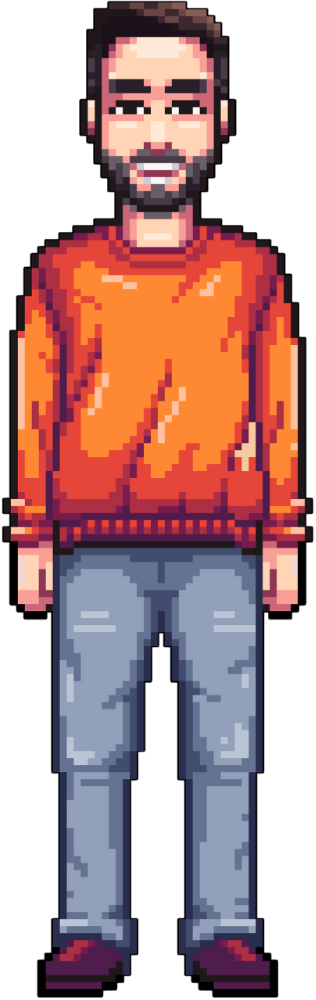
Pixelstrunk Whole Body

Full Character

Pixelstrunk Upper Body

Upper Body

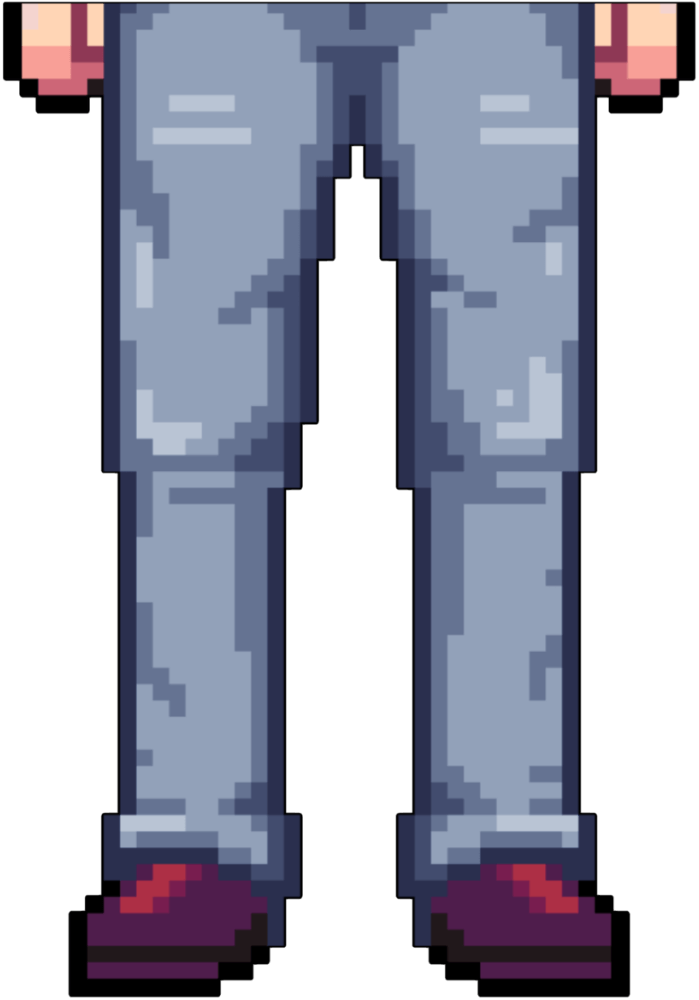
Pixelstrunk Lower Body

Lower Body

Pixelstrunk Logo

Pixelstrunk Logo

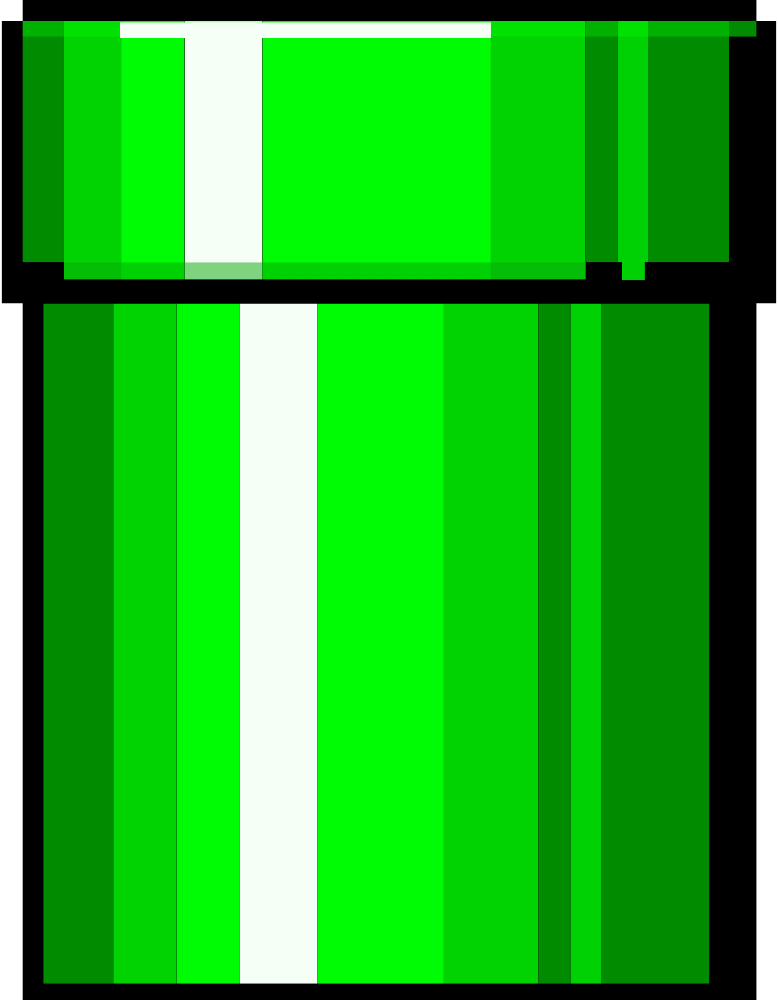
Pixel Tunnel In

Pixel Tunnel In

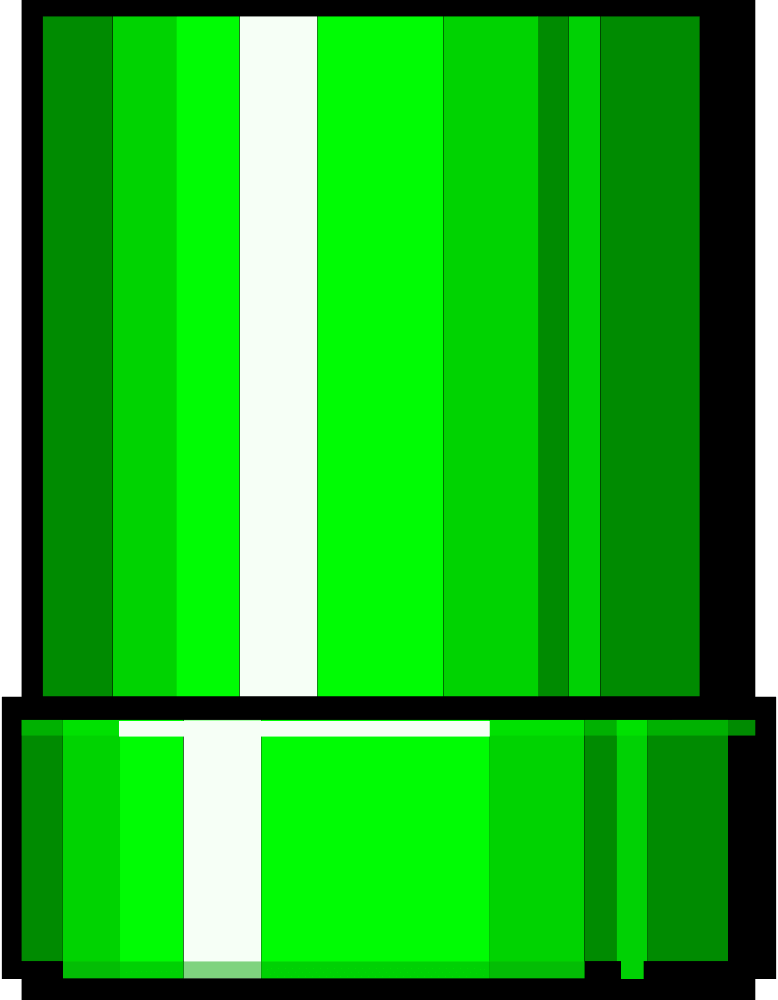
Pixel Tunnel Out

Pixel Tunnel Out

Heart Icon

Heart Icon

Cookie Icon

Cookie Icon

Toggle Switch Off

Toggle Switch Off

Toggle Switch On

Toggle Switch On

Select Dropdown Icon

Select Dropdown Icon

Sound On Simple White

Sound On Simple White

Sound Muted Simple White

Sound Muted Simple White

Select Icon White

Select Icon White

Select Icon White Edge

Select Icon White Edge

Select Icon Pure Red

Select Icon Pure Red

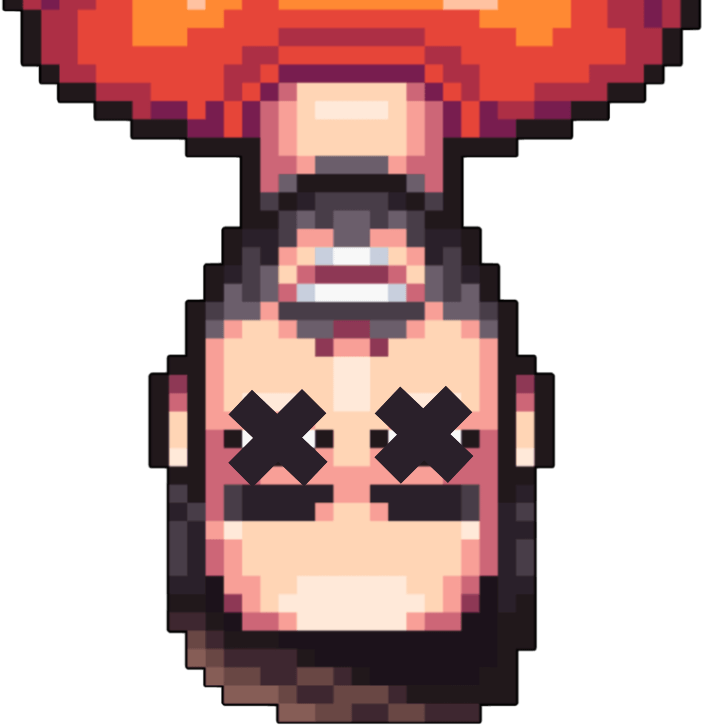
404 Game Over Character

404 Game Over